Docs
Change your account password
UniDeck is free for everyone. Since November 2026, every widget and team feature is included at no cost. Some pages below still mention the retired Plus and Teams plans while we update them. What's free
Change your account password
To reset your account password, please follow these steps:
- Click on your account name in the bottom bar.
 (1).png)
- Select Settings
 (2).png)
- Open "Account" from Settings sidebar and click on "Change Password". It will email you to your address. You can use our Gmail Widget to check your inbox.
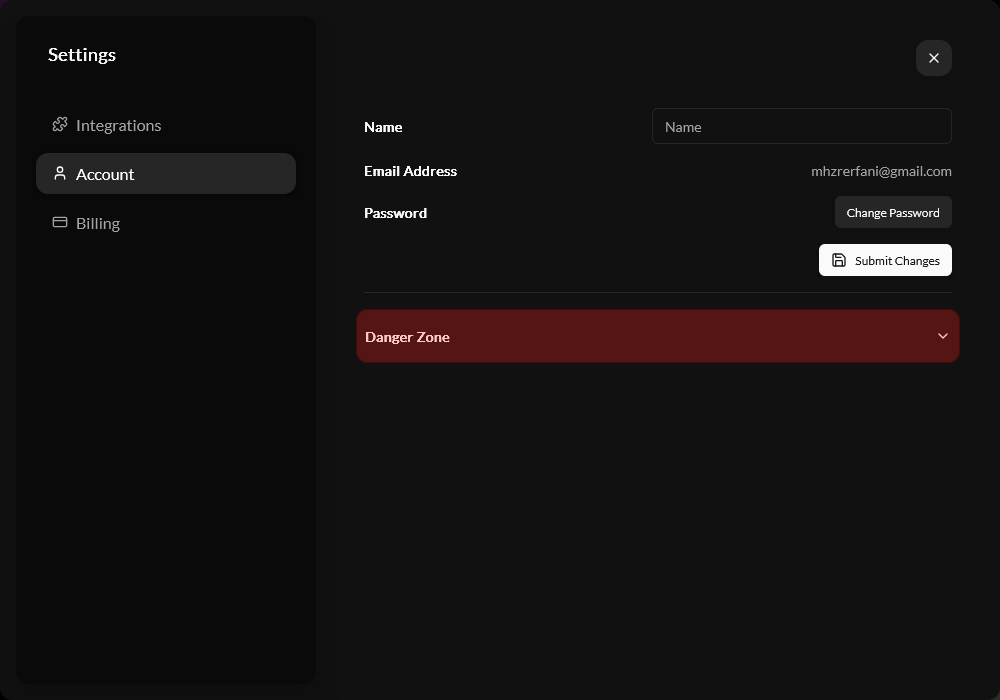
- To set your new password, click the link in the email and enter it in the modal that appears in Unideck.
.png)